
For store owners
Grow your business with Waly Market
Put your store in front of thousands of nearby customers while keeping control of your hours, your prices, and your brand.

Built for busy owners
Why partner with Waly Market
Reach new customers
Get discovered by people shopping nearby who would never have walked past your door.
Manage everything from one app
Orders, menu or catalog, hours, and payouts, all handled from the Waly Store app on your phone.
Bulk product upload
Have a large catalog? Upload thousands of products at once instead of adding them one by one.
You stay in control
You set your hours, your prices, and what you sell. Pause orders anytime with one tap.
Weekly payouts
Your earnings are deposited directly to your bank account every week, with clear statements.
Who can join
If you run a local store, Waly Market is built for you.
Grocery Stores
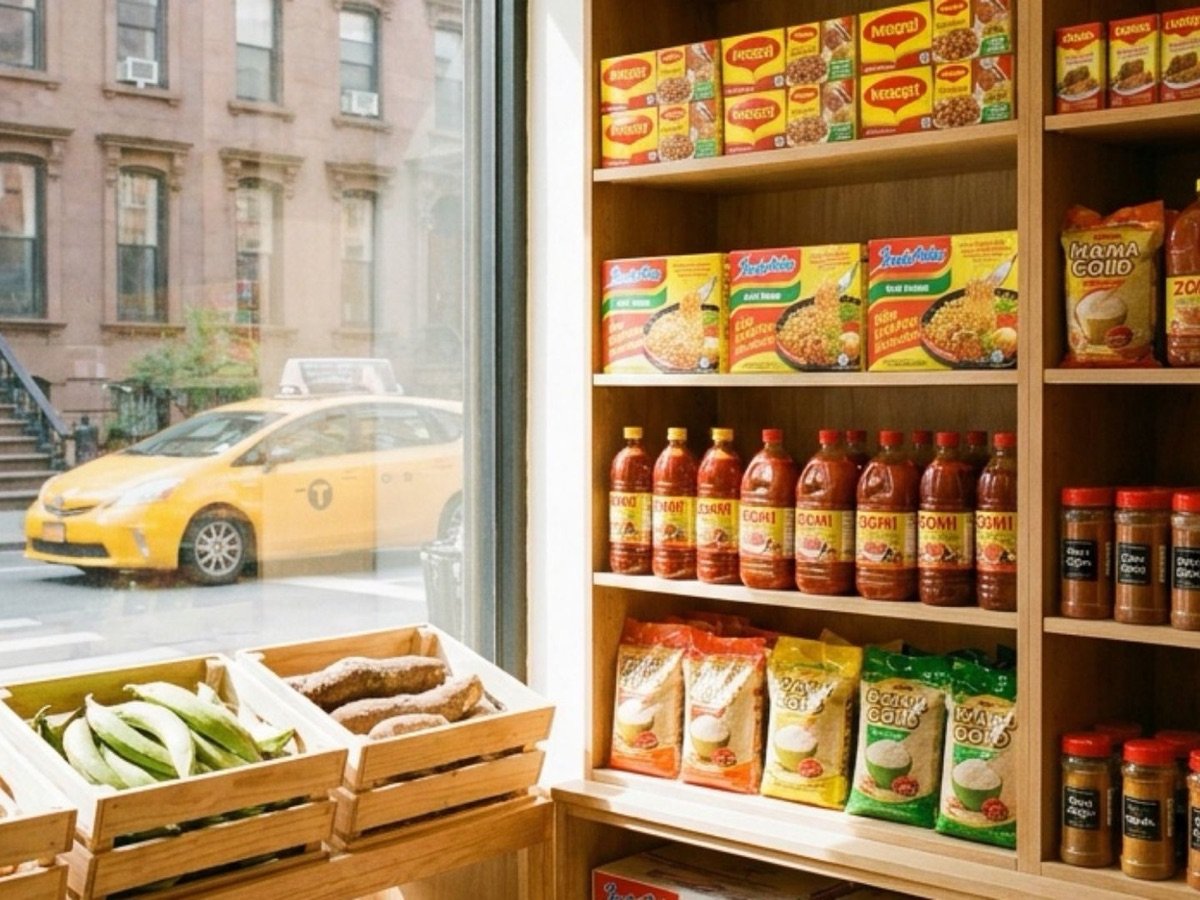
Fresh produce, pantry staples, and everyday essentials without the checkout line.
Retail Stores

Clothing, electronics, home goods, and more from local shops, brought to your door.
Restaurants

Your neighborhood favorites, from quick lunches to family dinners, delivered hot.
Four steps to your first order
How to join
Step 1: Sign up
Tell us about your store with the form below. It takes two minutes.
Step 2: Get approved
Our team reviews your information and reaches out, usually within a few days.
Step 3: Add your products
Build your menu or catalog in the Store app, one by one or in bulk.
Step 4: Start selling
Go live and start receiving orders from customers near you.
FAQ
Store FAQ
Still have questions?
Email or call us and we'll get back to you.
What types of stores can join Waly Market?
Restaurants, grocery stores, international markets (African, Caribbean, Latin, Asian, Middle Eastern, and more), and retail stores. If you sell food, groceries, or goods in New York City, Waly Market is built for you.
How much does it cost to join?
Joining is free. There are no sign-up fees or monthly fees. Waly Market earns a commission only when you make a sale, so we only make money when you do.
How do I sign up?
Fill out the store interest form on this page. Our team reviews your information, and once your store is approved, you can start adding your products and receiving orders.
How long does approval take?
Most stores are reviewed within a few business days. We may contact you if we need additional documents, such as your business license.
How do I add my products?
You can add products one by one in the Waly Store app, or upload your whole catalog at once using our bulk upload template. Stores with thousands of items can be set up quickly, and our team can help you build your catalog when you join.
Can I set my own prices and hours?
Yes. You control your prices, your store hours, and your availability. You can pause new orders anytime, and turn on Busy Mode when you need more preparation time.
Do I need my own delivery drivers?
No. Waly drivers handle deliveries for you. If you prefer to use your own staff for deliveries, that option is available too. You can also offer pickup only.
How do customers find my store?
Customers see stores near them, sorted by distance, and can filter by category. Featured placement and promotions are available to help you stand out.
How and when do I get paid?
Payouts are sent directly to your bank account through our secure payment partner, Stripe. You can track your earnings, orders, and payout history in the Store app.
What if an item is out of stock?
You can mark any product In Stock or Out of Stock with one tap in the Store app, so customers only order what you actually have.
Can I manage multiple locations?
Yes. If you own more than one store, you can switch between locations from one account.
What about scheduled orders when my store is closed?
Customers can place scheduled pickup orders even outside your business hours. The order waits in your app and moves to your active queue when it's time to prepare it. You never miss a sale while you're closed.